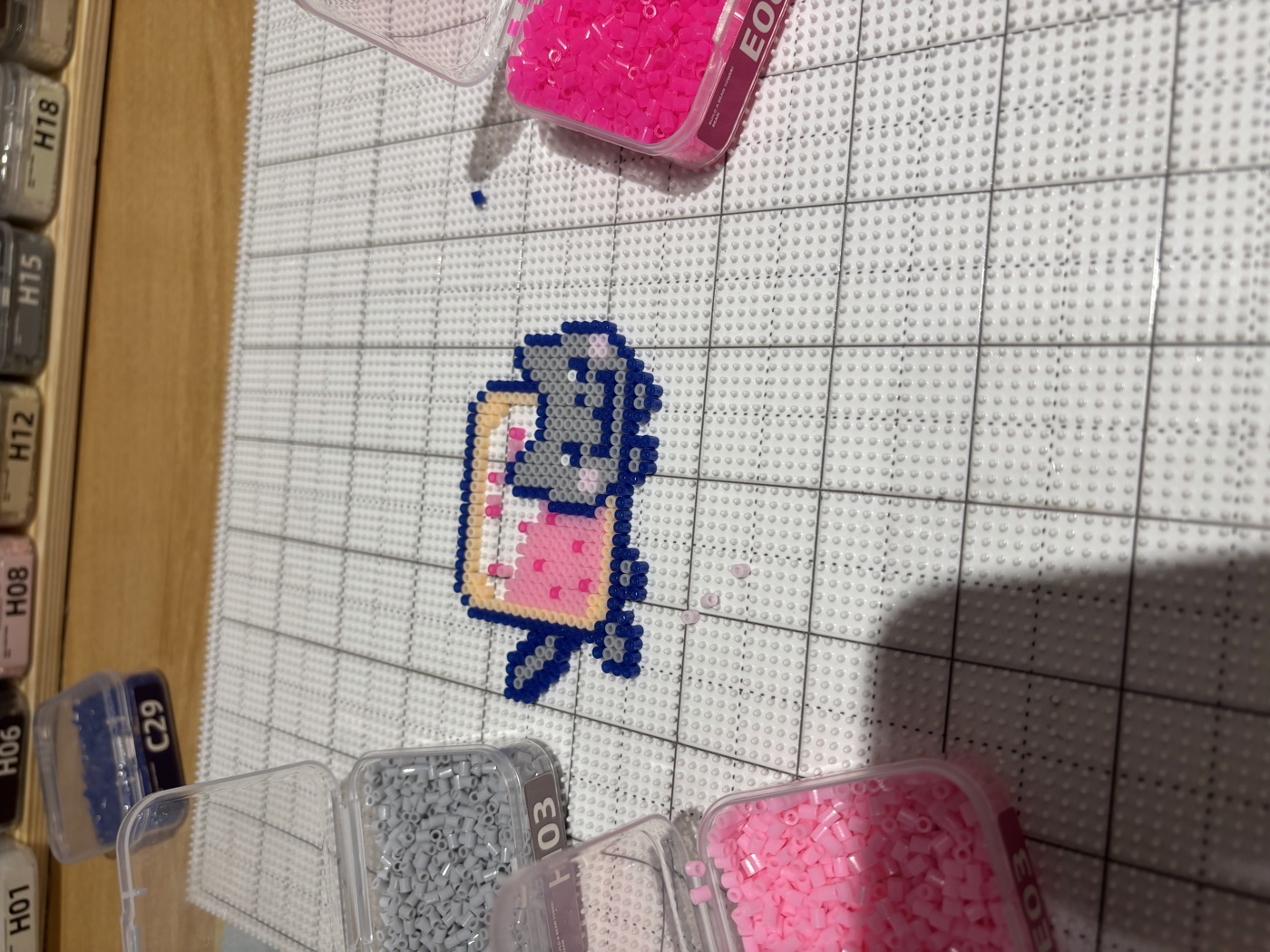
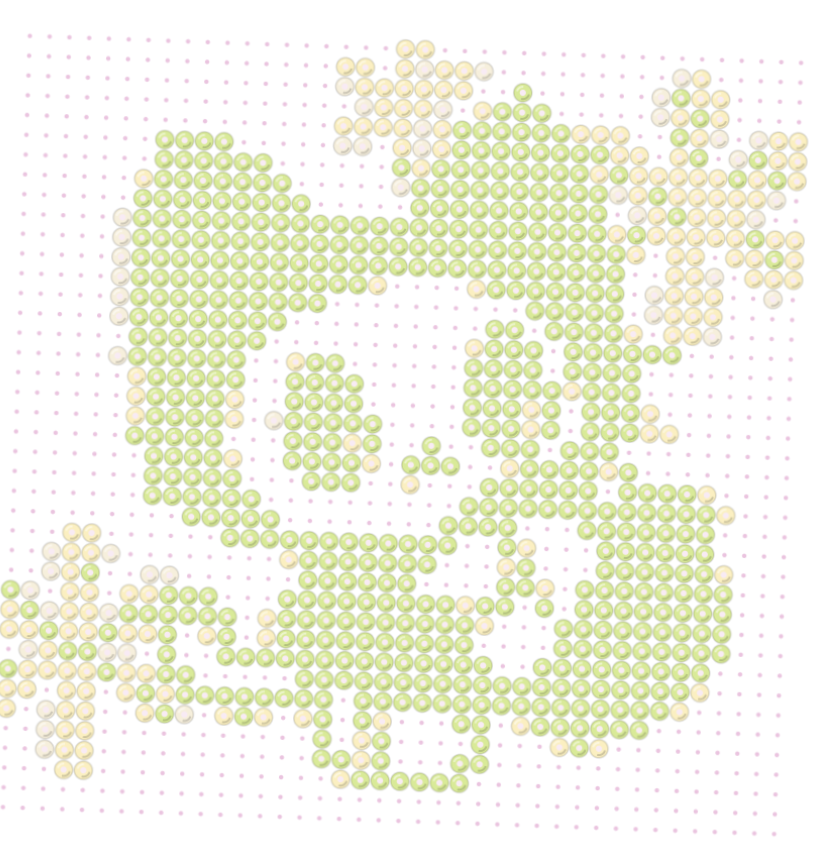
Beadle is a fuse-bead app. Snap any photo and it becomes a pattern in real bead colors, then guides you through building it one color at a time.
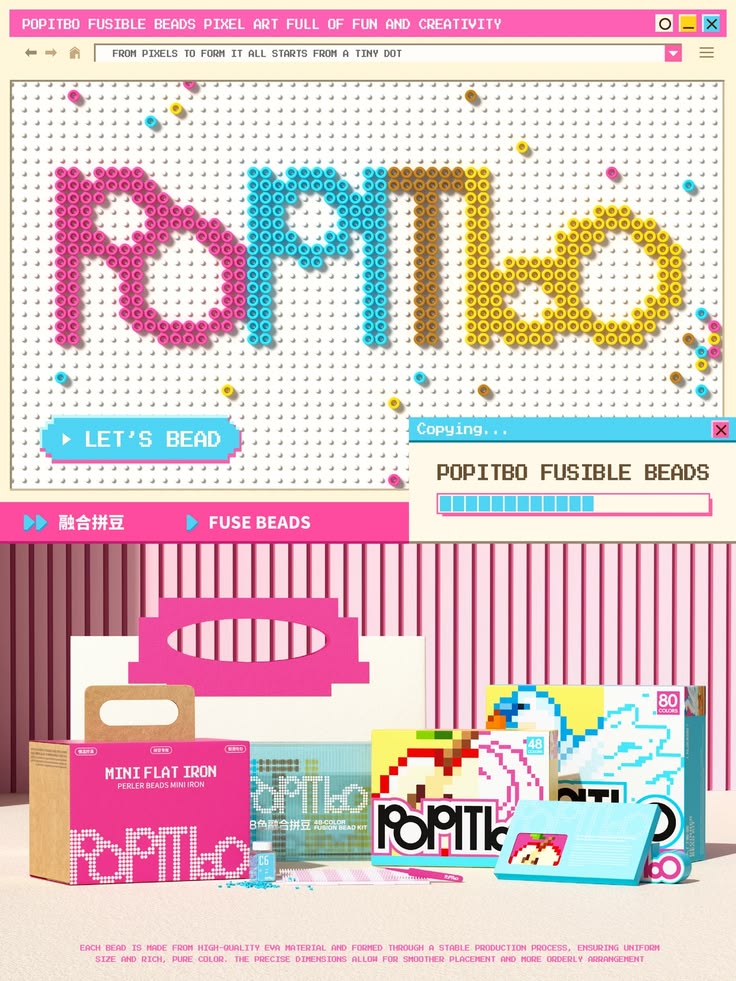
Where it started. It started on a trip to China. Malls there have dedicated fuse bead spaces where you pay, sit down and make something on the spot. It made me want that same easy, anyone-can-do-it version of the craft at home.
Why it should exist. Pixelation is easy. Good pixelation, with real bead colors, kept details and a color count you can actually build, isn't. Add a one-color-at-a-time build mode and the slowest part of the craft becomes the most relaxing.


The screens are wireframes on purpose. The pattern engine isn't: pixelation, color limiting, rerolls and bead counts all run live in your browser. Try uploading your own photo.
Anything works: a pet, a snack, a selfie, a teddy bear. We'll turn it into beads.
Pinch to crop · fill the frame with the subject
Snapping pixels to real bead colors


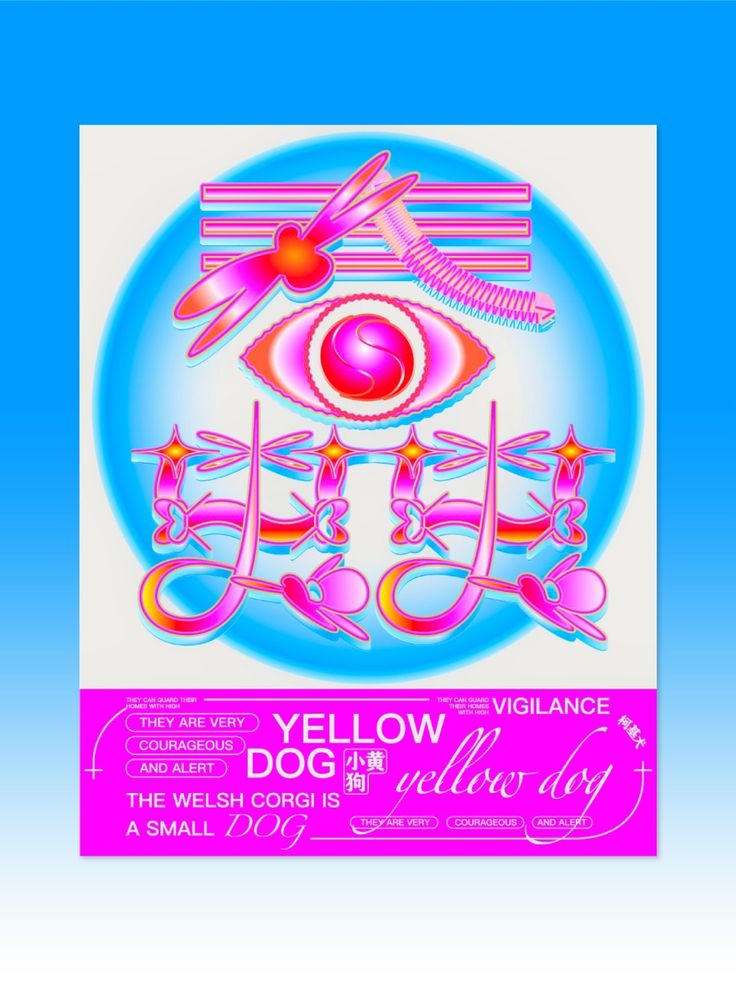
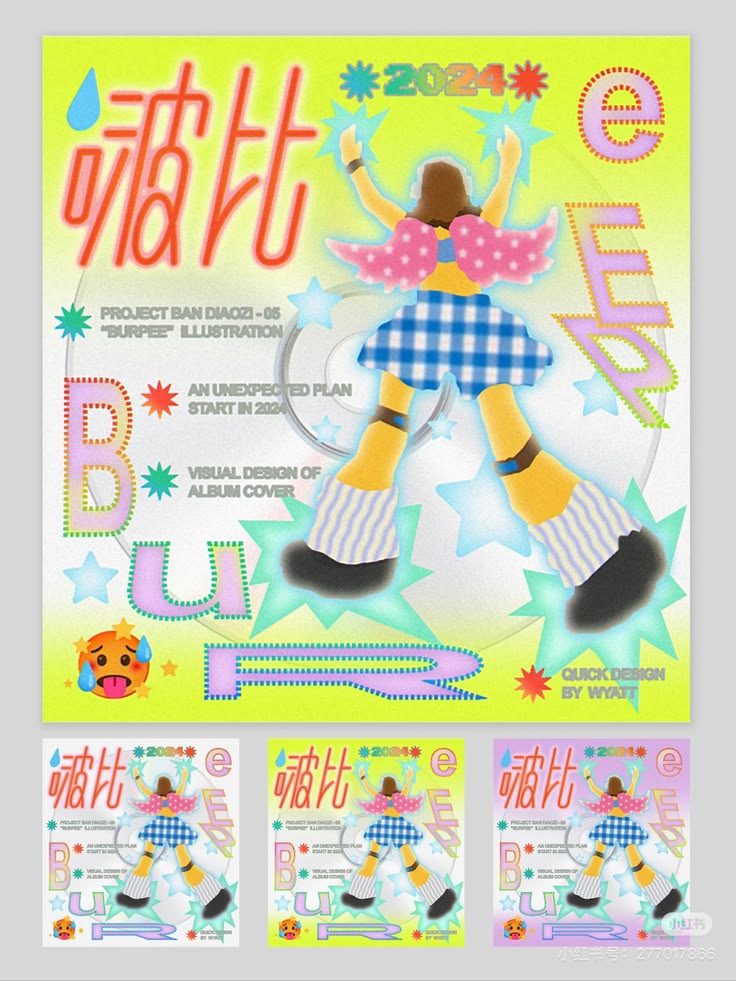
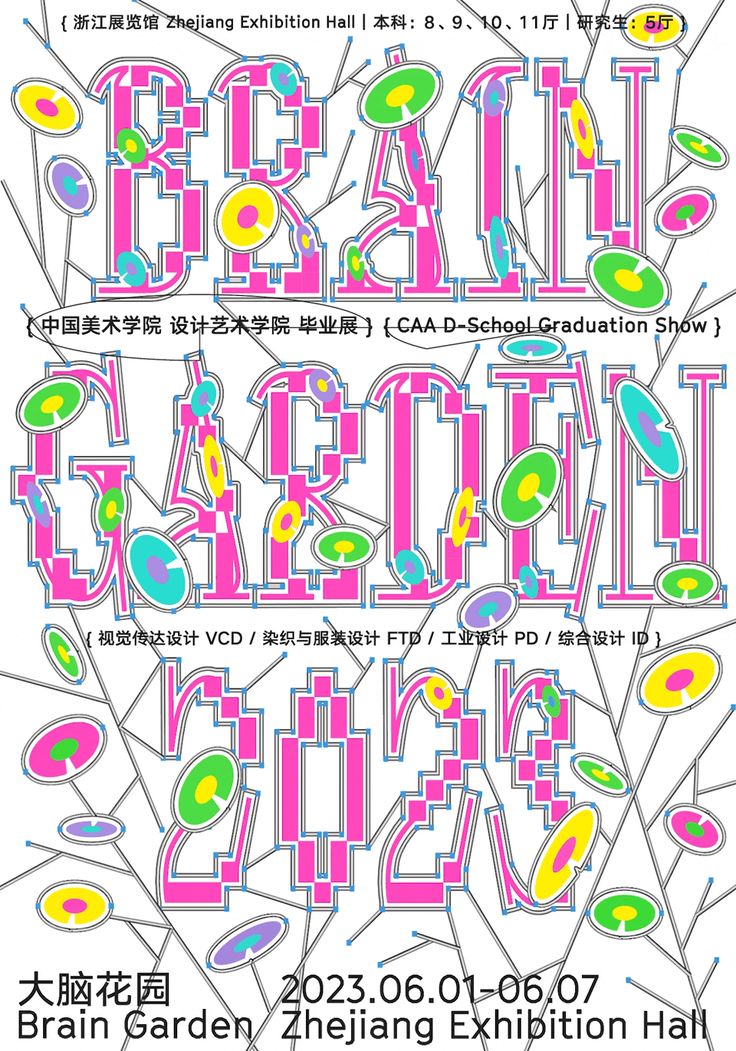
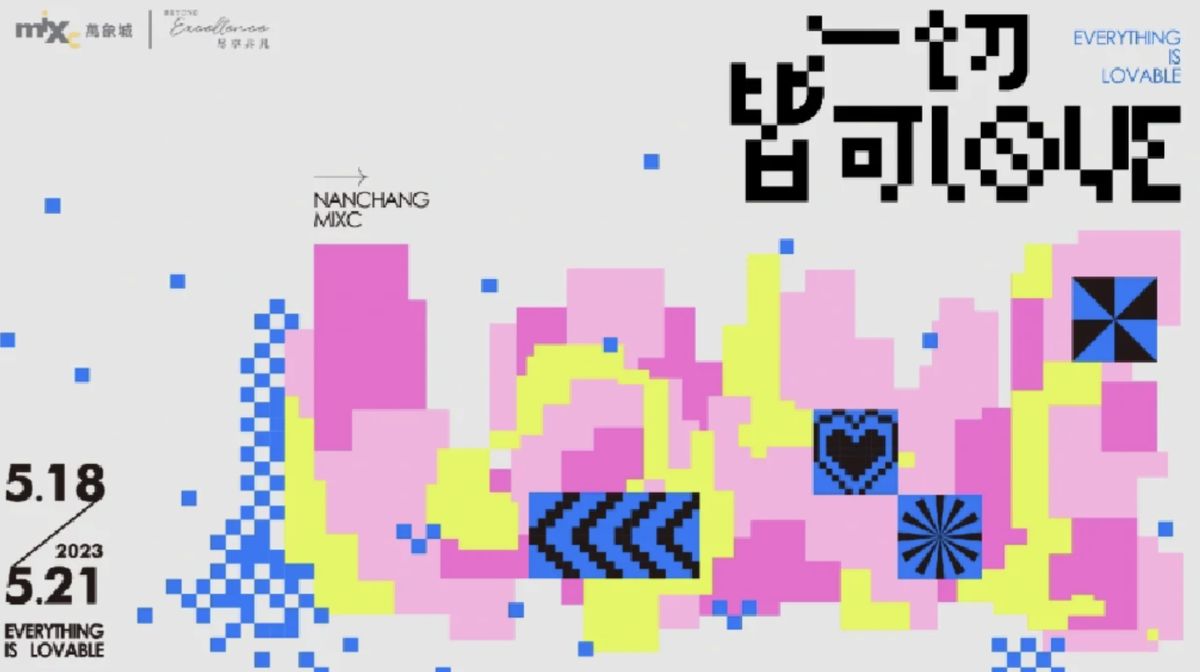
Color. Fuse beads are all about bright, mixed colors, so I pulled the palette from graphic design posters and narrowed it to three bead brights: pink, blue and yellow.
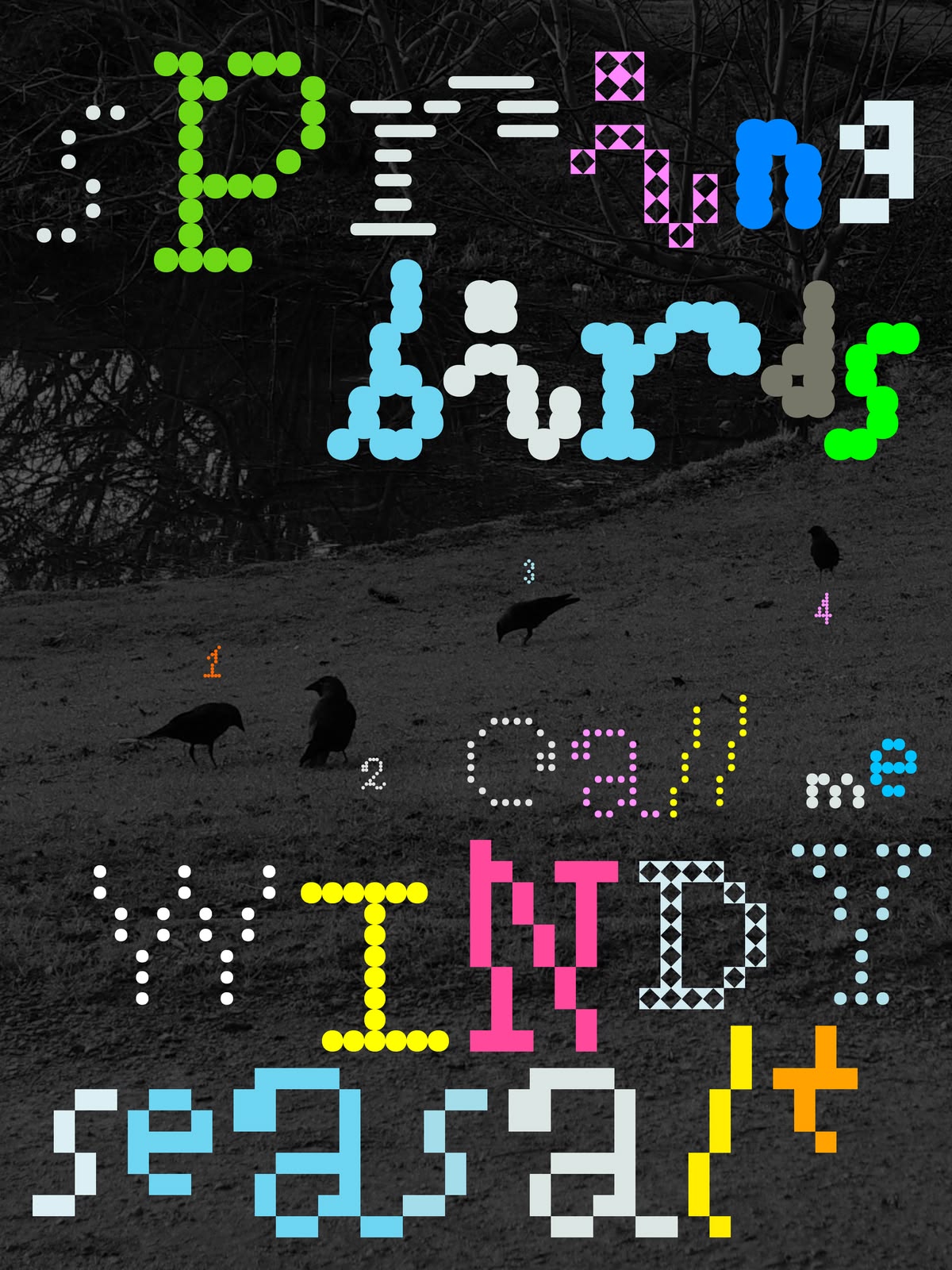
Type. I tested a range of fonts with Claude, rendered as points so every letter is made of dots like beads, and tried effects like grid morph to see which read best. That's where the dotted Beadle wordmark came from.
Controls. The slider takes its look from the beads themselves: a row of pegs with a bead for a handle. The buttons are simple and chunky.
A lighter version of the flow, from my Figma screens: start, crop, melt, tune, save. It runs on the same live pattern engine, so you can try it with your own photo.
You have no patterns yet.
Press START to make one.
Drag · pinch
The calls that shaped the Lite prototype, and why I made them.
I planned a mode that shows one color at a time. Then I watched people making fuse-bead pieces in China: nobody worked that way, they wanted the whole picture in front of them. So the View screen keeps the full pattern and lets you tap a color to highlight where it goes, with everything else faded but still there.
Most things people want in beads, like a character, a pet or a drawing, are already in their camera roll, so the library is the first and boldest option and the camera is second. It also reads more naturally on a computer, where both open a file picker.
You can zoom out past the photo's edges to leave white around it, and that white becomes empty pegs. A Fit button appears only once you've moved away from the starting view, so it's there when you're lost and gone when you're not.
The photo frame is square on Crop, Melting and the editing screen, so a square board fills it pixel for pixel, with no leftover bands. The frame stays in the same spot across those three screens, so moving between them feels like one continuous step.
Melting shows round beads appearing behind a wipe: it's the payoff moment. While editing, the pattern switches to square pixels with a thin outline inside each one, because that's when you need to read it exactly. Empty spots stay on the grid as white pixels.
Each grey dot on a slider is an actual value, spaced evenly, and the bead snaps onto it with no bounce. Board Size runs from 10 to 110 in steps that each grow by the same proportion, so the small sizes stay easy to pick, and you can tap the number to type any size from 5 to 200.
A new pattern starts with all the colors the photo can give. Each step left merges the least-used color into its closest match, so every dot gives exactly that many colors and the label always matches the bead.
Color edit replaces the controls under the photo instead of popping up, and Done is the only way out, so the pattern stays visible the whole time. It only lists the colors already in your pattern. Turning one off moves its pixels to the closest color still on, so no new color sneaks in. Reset all appears once you've changed something.
Every screen shares the title screen's light green wave, a 24pt margin, and the same header position, so the app reads as one thing instead of a set of separate mockups. Saved patterns sit straight on the background as pixel-art previews, with no white card around them.
Messages grow out of the Dynamic Island into a small pill that fits the text. The clover buttons make one smooth spin while the label stays still, and the action waits a beat so you see it. A quick double tap can't save twice, and people who turn on reduced motion skip the spin.
Grid color includes the familiar white circle with a red slash for "none", which most people know from design tools, so one row both picks the grid's color and turns it off.